
4 New Windows Features That Could Make Me Switch from Linux
Enhanced Features in Windows 11
Windows has long been a target for criticism, with many users opting for Linux due to the operating system's issues. While Microsoft hasn't always had a stellar track record with Windows 11, thanks to various bugs, the company has introduced features that make me reconsider my stance on Linux entirely. This recent round of updates brought several improvements that I found quite appealing.
WSL is Pretty Good
The Windows Subsystem for Linux (WSL) has become a significant asset for developers. It allows Linux containers to run much faster and more efficiently. 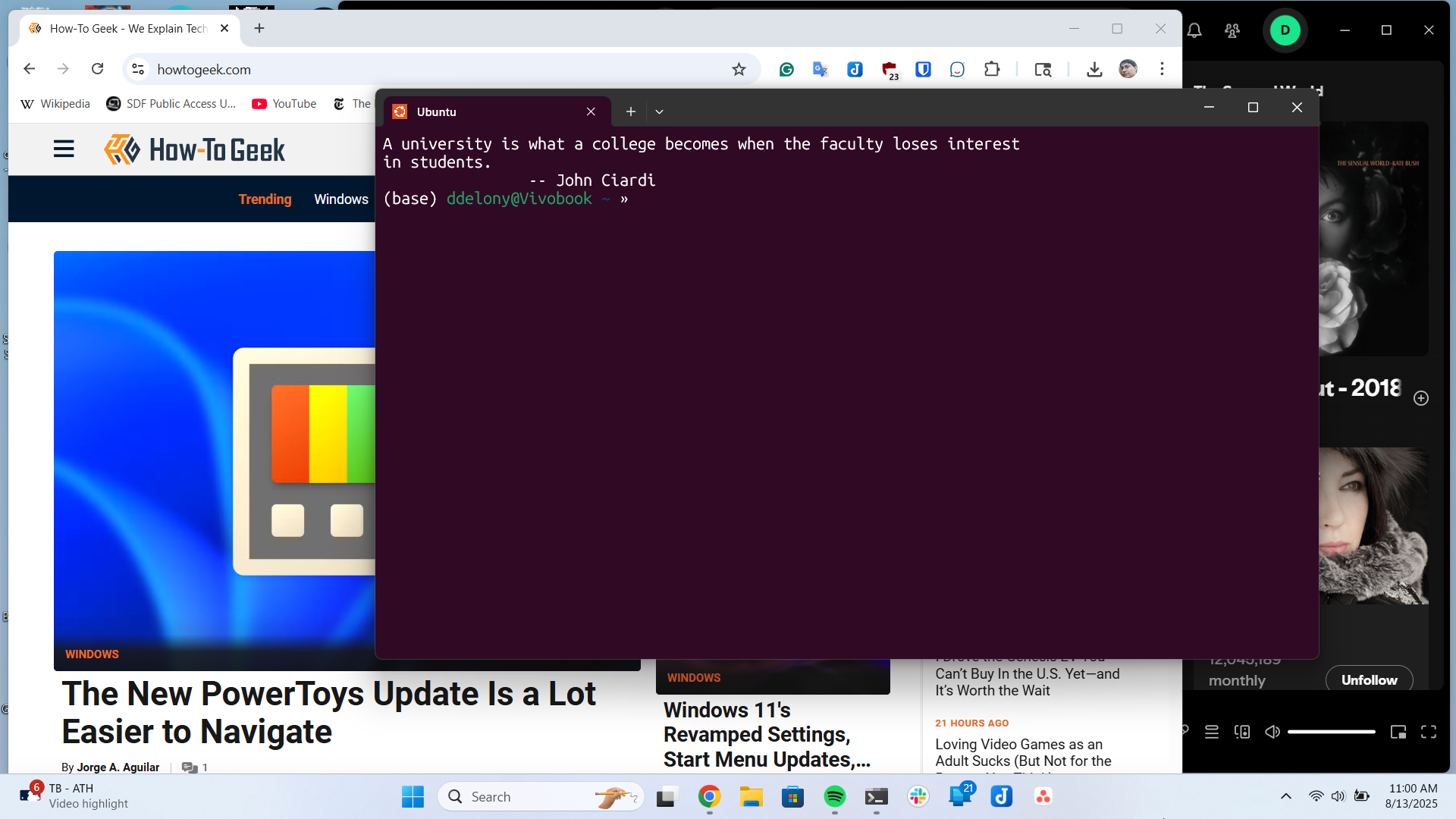
WSL Containers build on top of the existing WSL 2 setup instead of creating an entirely new virtual machine architecture. Instead of spinning up a whole new VM, it adds container support on top of the paravirtualized VM that WSL 2 already uses, which runs a full Linux kernel through Hyper-V.
The container runtime has its own hypervisor engine tuned for OCI containers, but the underlying VM works the same way it always has. That means your WSL 2 distros and containers can coexist on the same machine without interfering with each other.
One of the more interesting aspects is the GPU and NPU access. Through the Container Device Interface, Linux workloads can access your GPU using Windows drivers, almost as directly as they would on a native Linux install. This makes things like CUDA pipelines possible without needing a separate Linux machine.
Improved File System Performance
File system performance also receives some long-overdue attention. WSL 2 has always had latency issues with file-heavy workloads because everything was being routed through the 9P protocol over virtual sockets. Virtiofs is an opt-in alternative that uses VirtIO's shared-memory model to reduce serialization overhead.
Additionally, a recent kernel update gives each virtio device its own dedicated DMA memory pool, whether it's handling storage or networking. This removes contention at the bounce-buffer layer and clears out one of the last remaining bottlenecks on the file I/O path.
The Start Menu is Finally Easy to Use
Windows 11's Start menu has always been a sore spot, but recent updates have made a significant difference. The old alphabetical list of shortcuts is gone and has been replaced by a single-page layout that feels much easier to navigate than one long list. 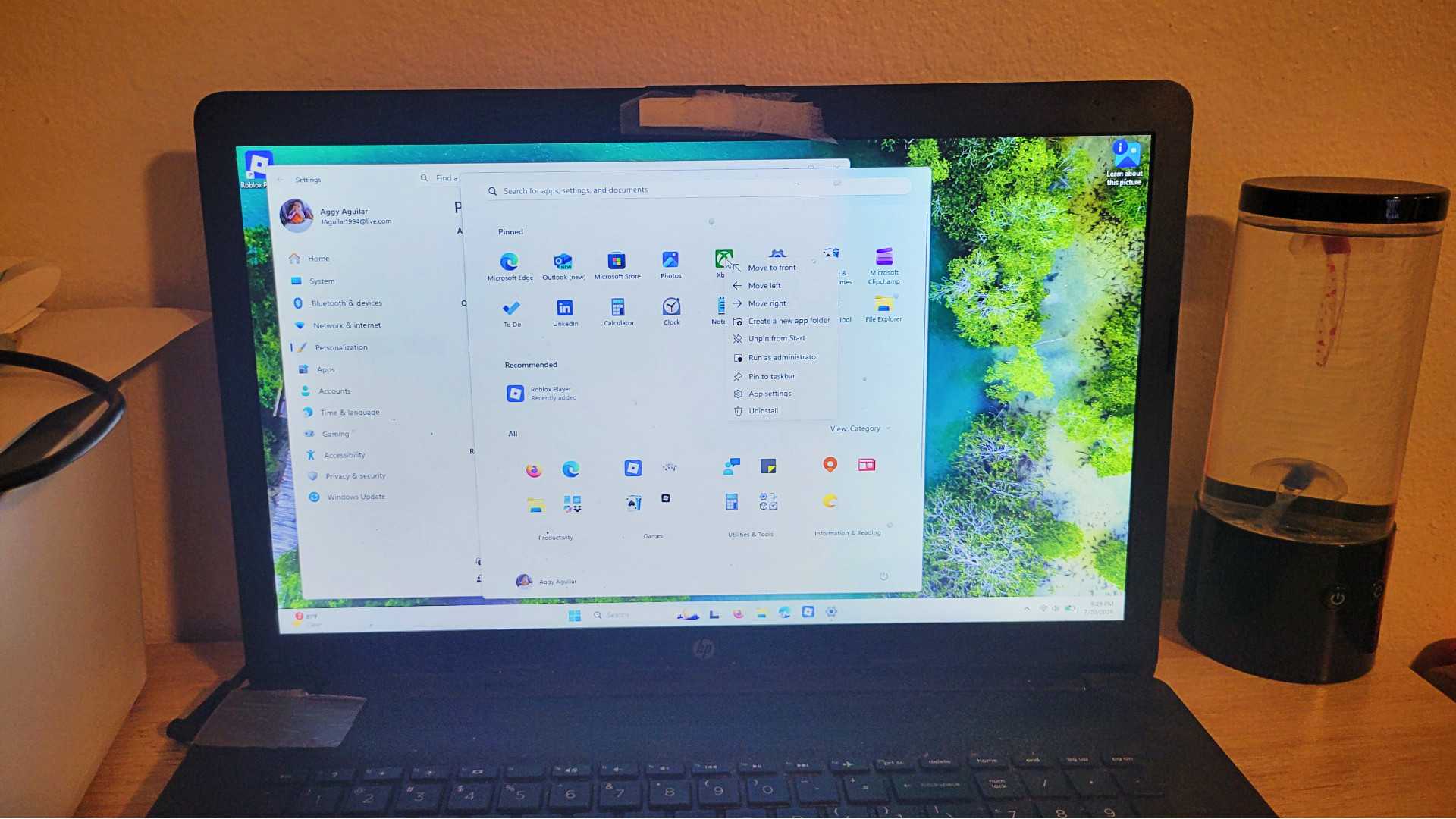
The new Category view sorts your installed apps into groups like Productivity, Utilities, Games, Entertainment, and Developer Tools. This feature reminds me of how the App Library works on phones. I was initially hesitant about this because I assumed Microsoft had found a way to shoehorn Copilot in, but none of this relies on cloud services or AI.
It's all handled locally by a 15MB JSON file that maps each app to a category the moment it's installed. You can now rename the "Recommended" section to "Recent" and control exactly what shows up there. You can toggle off things like usage tips, browsing history, or recently added apps, so the menu only shows what's actually relevant to you.
This feature resembles KDE Plasma or GNOME, though it isn't perfect. Niche apps that don't fit neatly into a category get lumped into a catch-all "Other" folder, which isn't the end of the world. If you get enough apps into the same category, a new one will be made.
Taskbar Customization
You can now move the taskbar to the top, left, or right side of your screen. This is something that should have been added years ago, but better late than never. So you can work from a top bar like GNOME or a side dock like Unity. Windows 11 launched with the taskbar locked to the bottom, and it stayed that way for years. 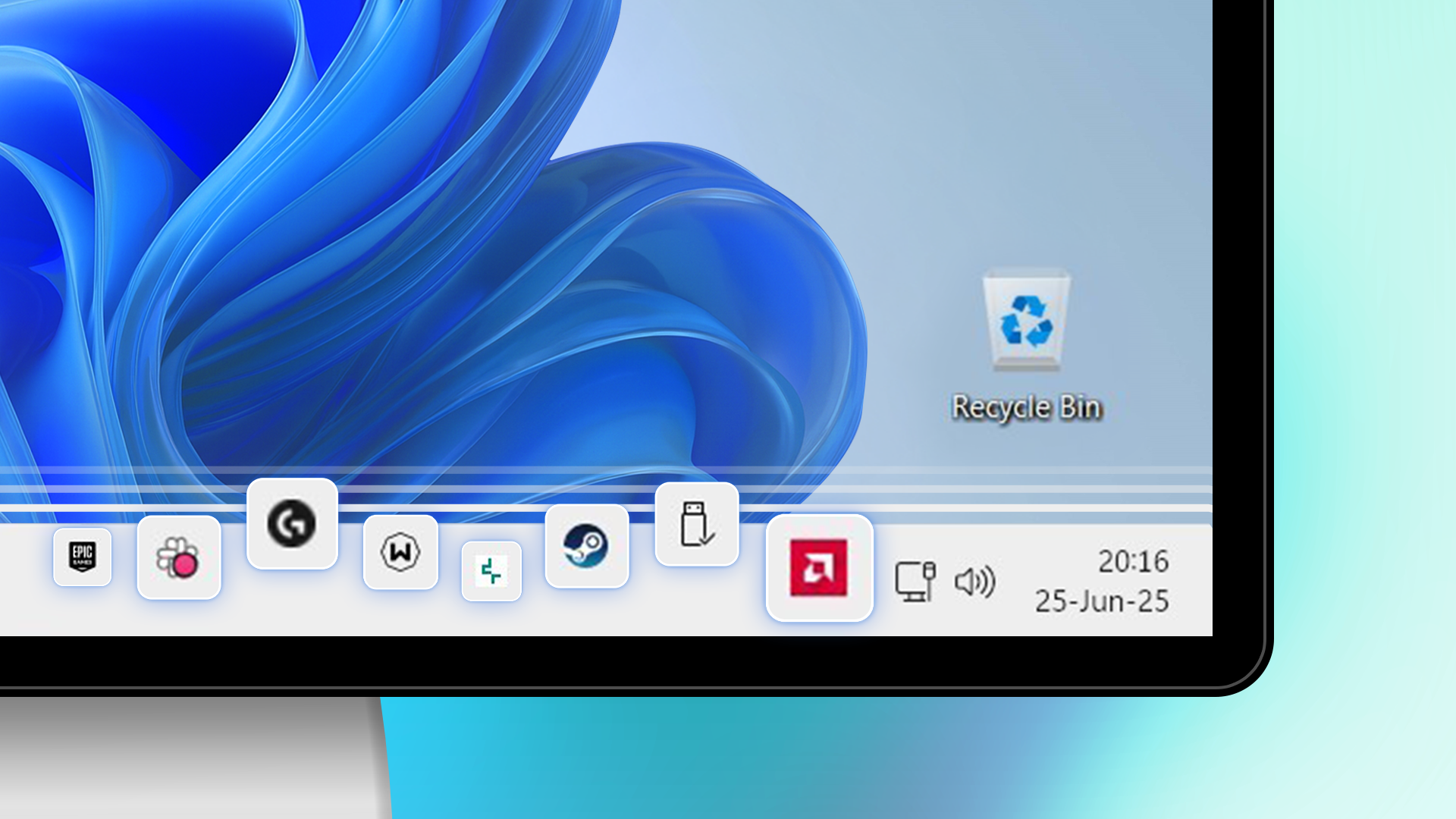
Microsoft also added a compact mode, letting you shrink the taskbar down to free up screen space, and right-clicking the taskbar now gives you a quick way to the settings. For anyone picky about their desktop layout, this matters. It removes one of the bigger annoyances keeping people away from Windows, and it shows Microsoft is actually paying attention to power users. Little things like this matter a lot to me.
Android Phone Sync Works Right from Start
One of the hardest things to give up when switching back to a commercial OS is something like KDE Connect. It's been on Linux for years, and it lets you share clipboards, send files over your local network, and mirror notifications between your phone and desktop without much fuss. Windows had its own version of this, but it didn't work very well. I have some computers on Windows 10 that have so many issues.
What a lot of people don't realize is that Windows 11 has built something very similar to KDE Connect right into the Start menu, and it holds up surprisingly well. You turn this on by going through Personalization settings and toggling "Show mobile device in Start." Once enabled, a small phone icon appears in the top right of your Start menu, giving you a live look at your Android phone's battery, connectivity, recent activity, texts, and call history.
You don't need any third-party apps, and it doesn't get more complicated than a button press and a setup. While it isn't a portal into your phone, it does give you a lot. Your last 2,000 photos are accessible directly from that panel, and you can drag them straight into whatever you're working on. Clipboard syncing is fast too.
Windows Has a Lot to Offer
Not every change here is as good as it can be, but that's not the point. Windows is actively adding features that compete with Linux in a bigger way, which is a win for everyone. If you've written off Windows as a development or productivity environment, some of these changes are worth a second look before you decide it's still not worth your time. 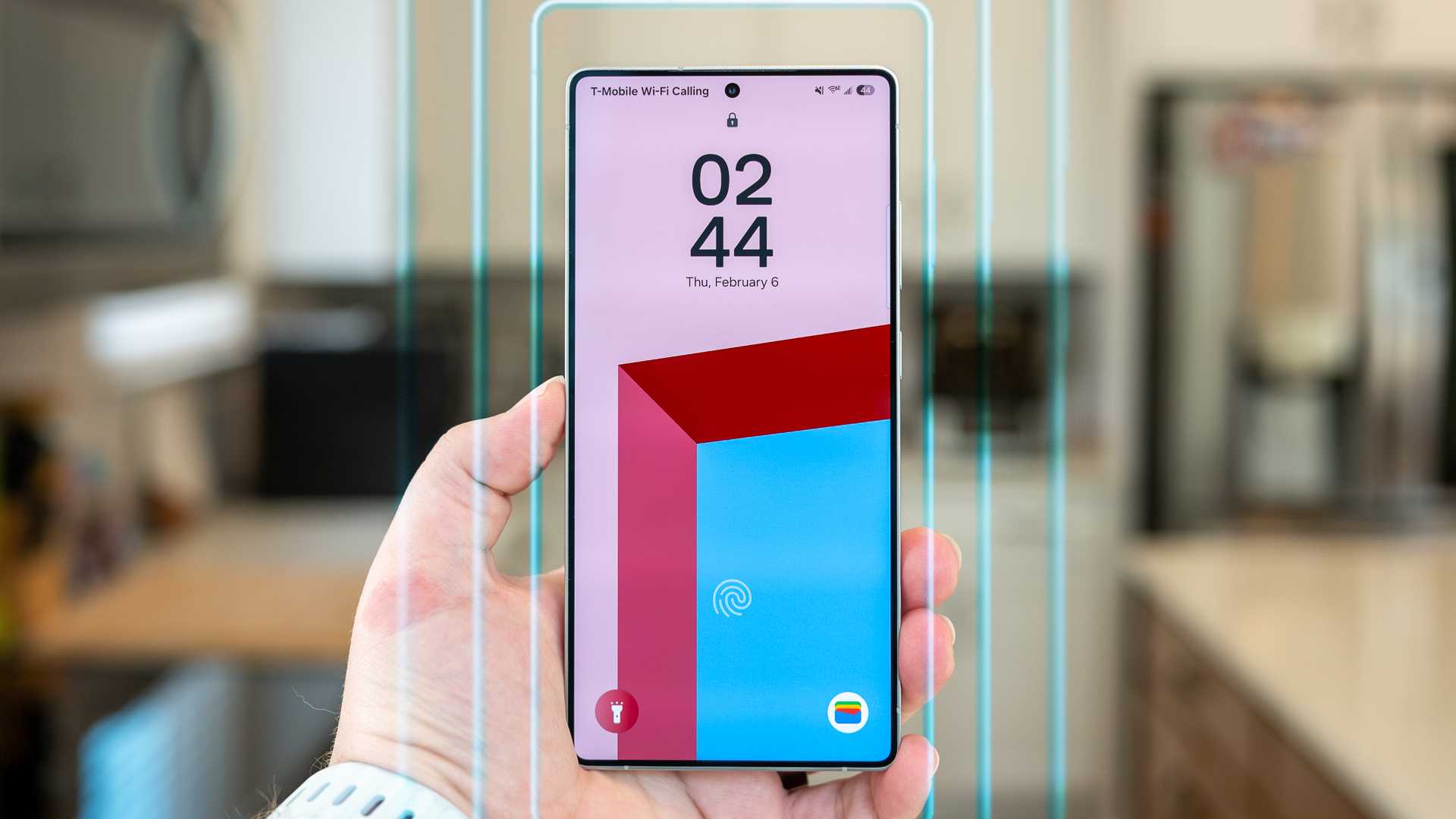
Post a Comment for "4 New Windows Features That Could Make Me Switch from Linux"