
5 Hidden Tech Gems for Your Unused USB Ports
Expand Your PC’s Capabilities with These USB Peripherals
If you have a few free USB ports on your PC, there are plenty of useful devices you can connect to enhance your computing experience. Whether you're looking to improve connectivity, boost security, or add convenience, these five practical options can transform the way you interact with your computer.
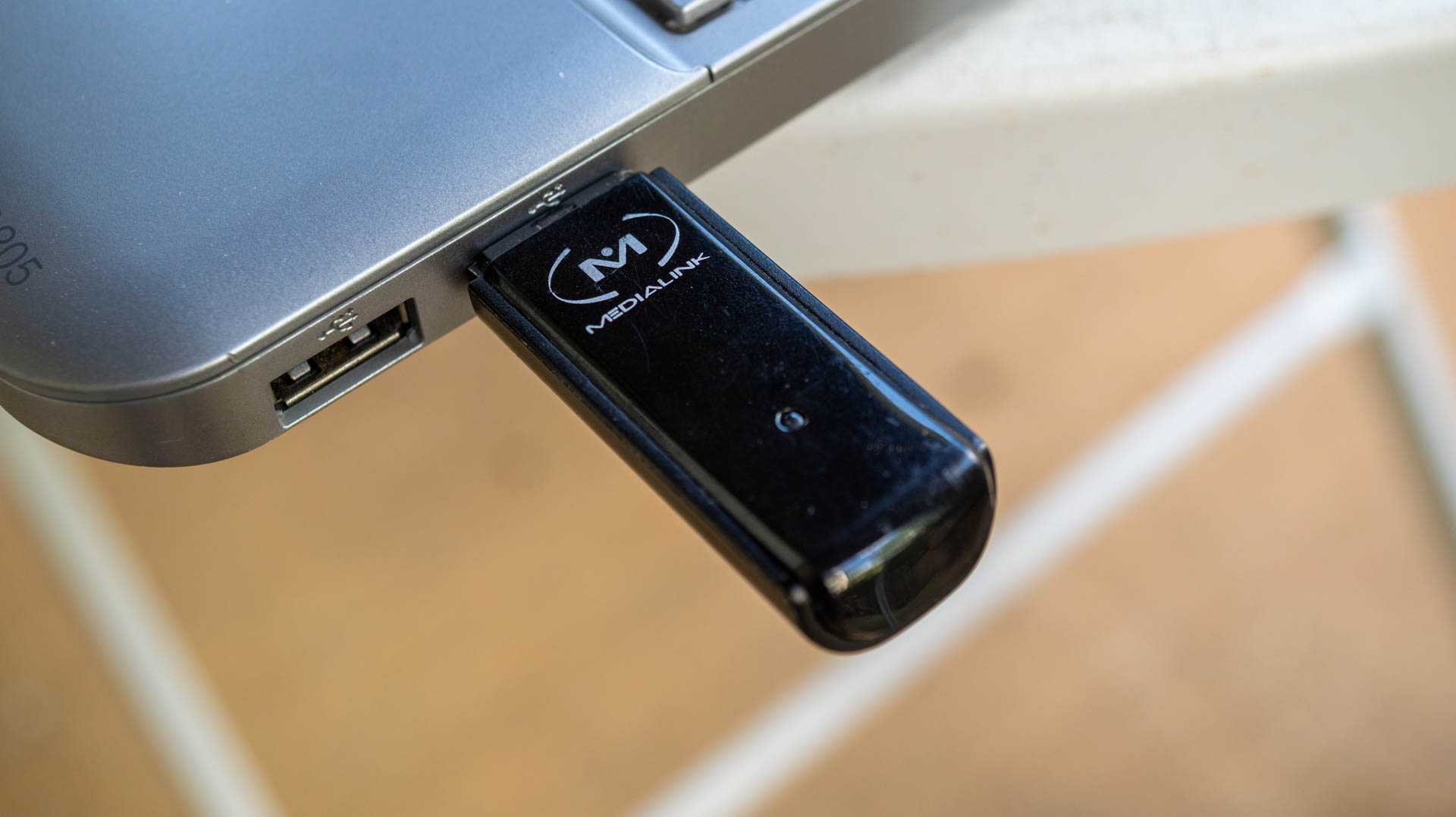
Add or Expand Wireless Connectivity
One of the most common uses for a USB port is to expand your PC's wireless capabilities. If your desktop doesn’t have built-in Wi-Fi, a USB Wi-Fi adapter or a Bluetooth dongle can be a game-changer. For example, plugging in a Bluetooth dongle allows you to use wireless earbuds and other Bluetooth peripherals. This was especially helpful when I switched to a Mac Mini for work, as I needed to use a wireless dongle for my MX Master 3S mouse due to performance issues over Bluetooth on macOS.
A USB Wi-Fi adapter can also be useful if running an Ethernet cable isn't feasible. While it may not be ideal for gaming, there are solid options available that offer good range and connection stability for general use. If you're a serious gamer, consider using an Ethernet cable, a MoCA adapter if you have a coax port, or a PCIe Wi-Fi card as alternatives.
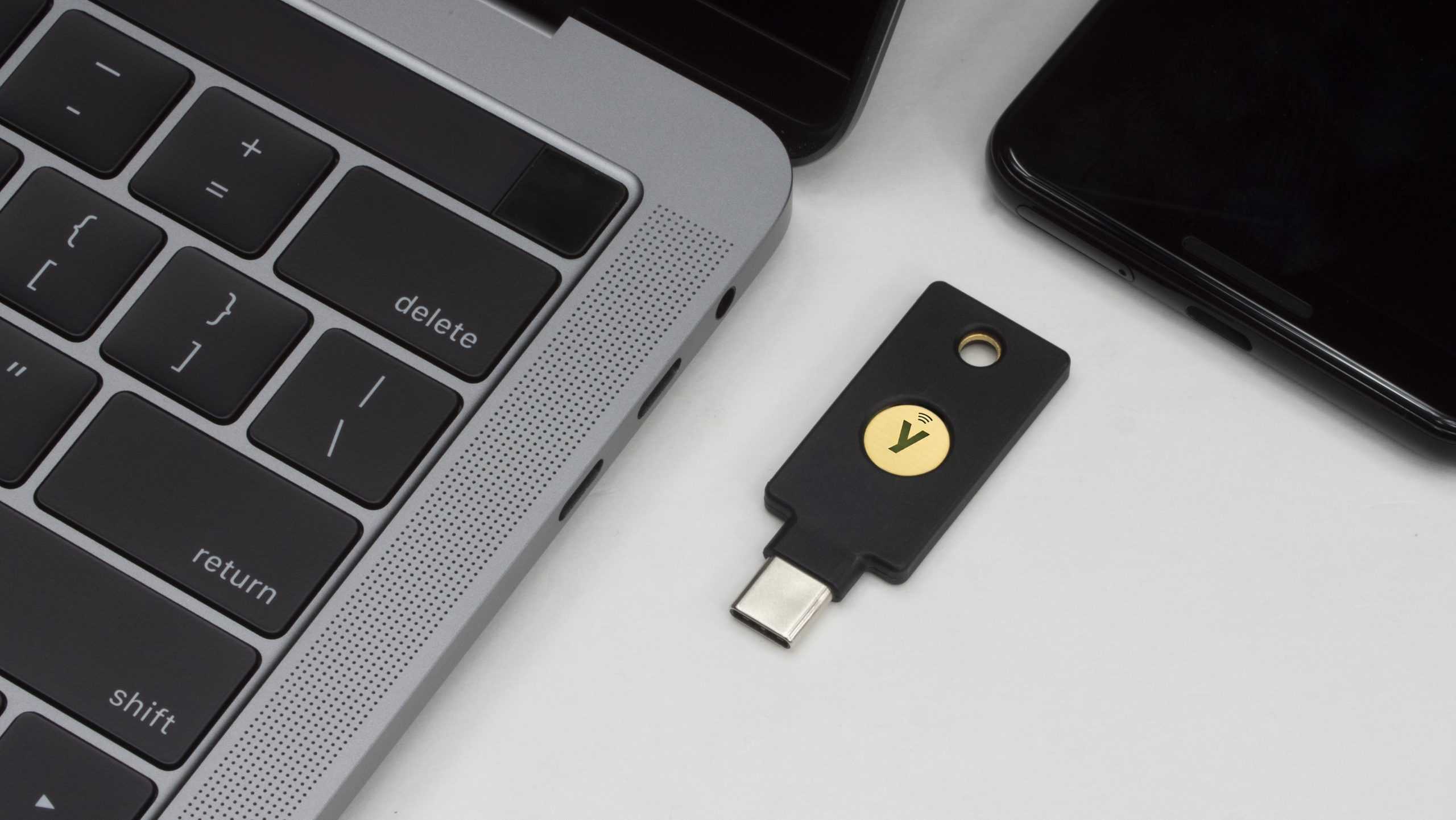
Add a Hardware Security Key
Hardware security keys are the gold standard for two-factor authentication (2FA) and provide strong protection against phishing and account takeovers. If you have a vacant USB port, simply plug in a hardware security key. To keep it accessible, I recommend using a USB extension cable so you can place the key on your desk and easily tap it whenever you log in to secured accounts.
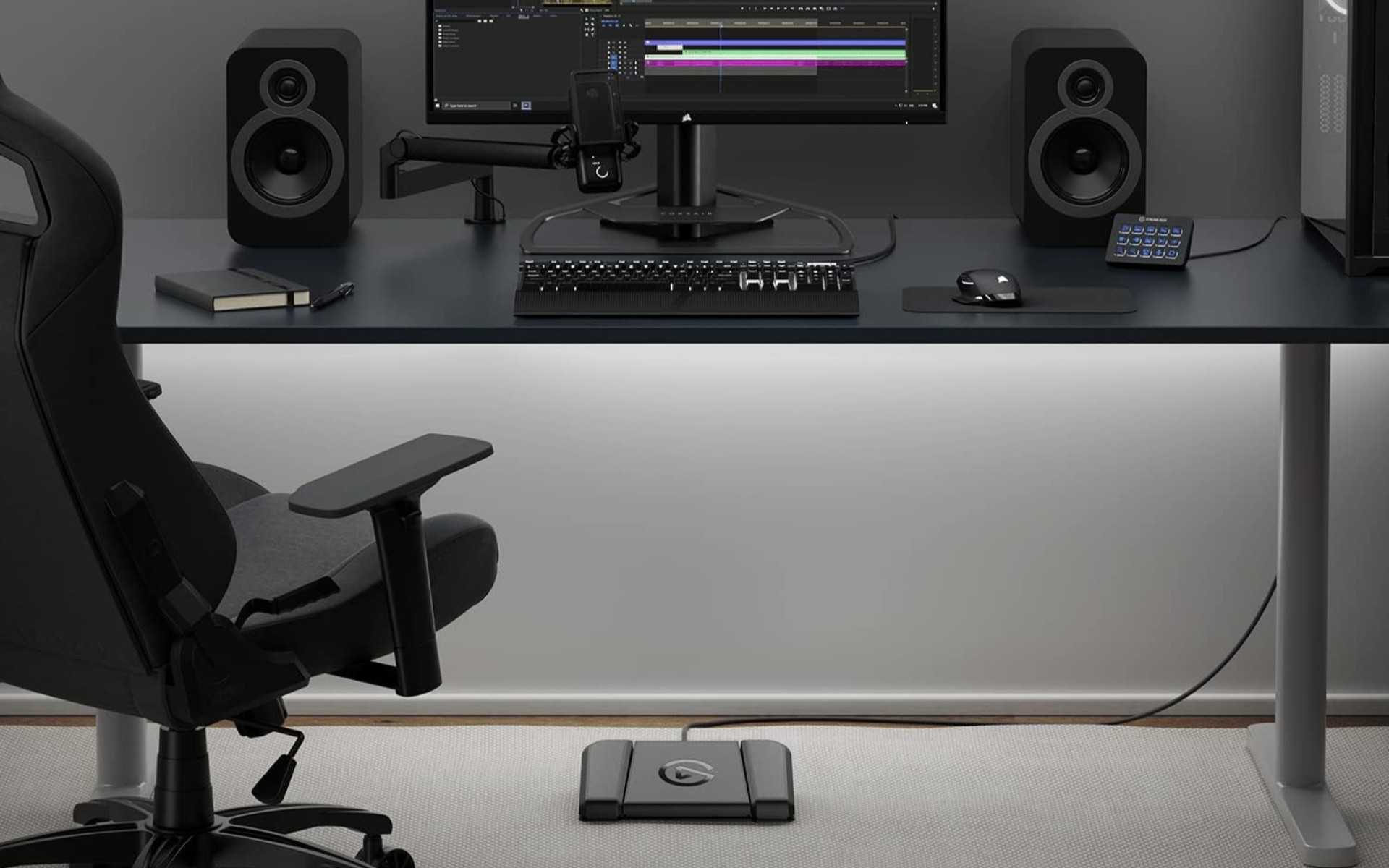
Install a USB Foot Pedal
USB foot pedals are often overlooked but can be incredibly useful. They allow you to control various functions without using your hands, making them ideal for tasks like transcription, where you can type while managing video playback. Beyond that, they can be used to control streaming software like OBS, map shortcuts in apps such as Photoshop, or even act as a push-to-talk button in games and chat applications.
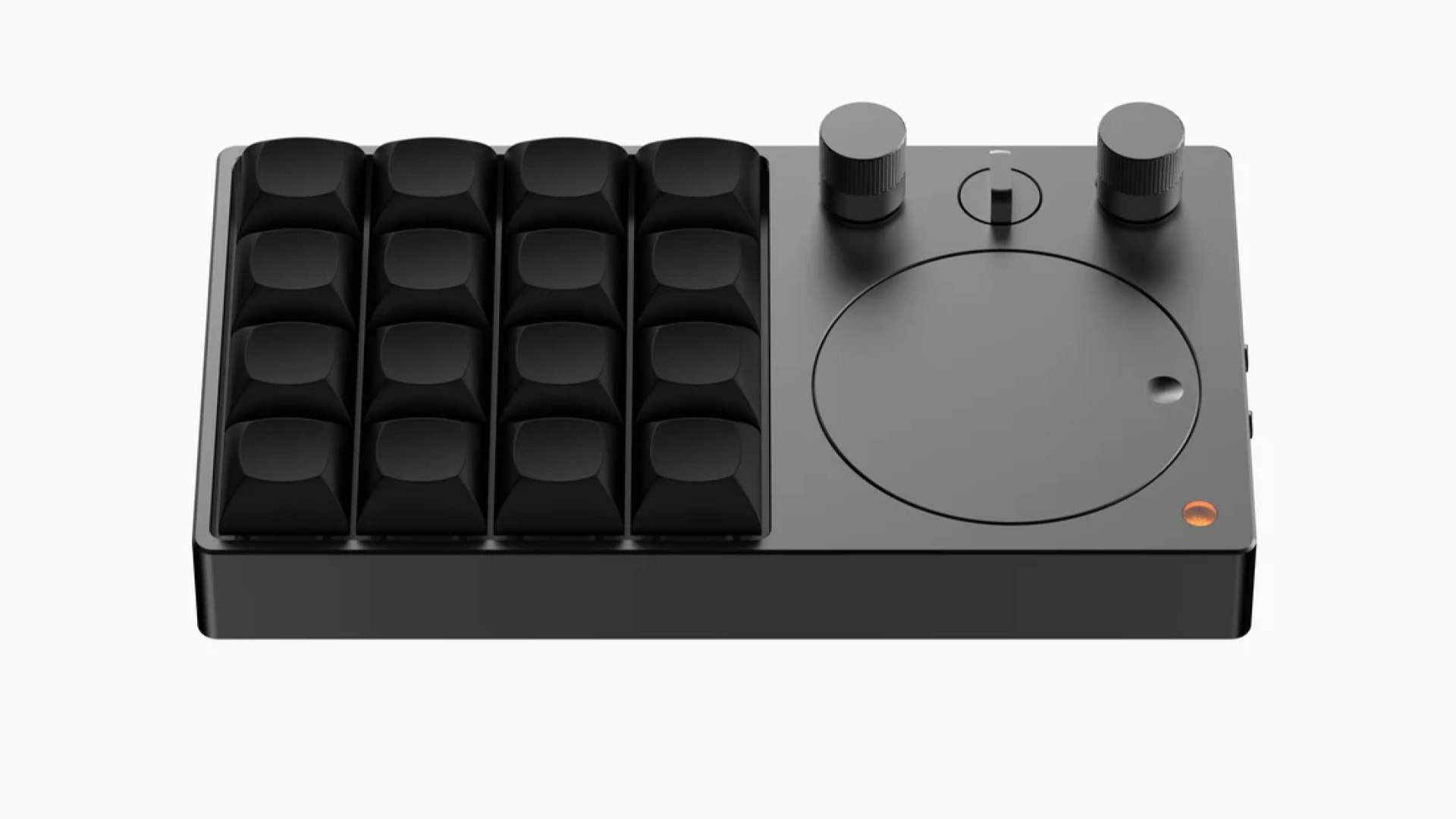
Connect a Macro Pad to Automate Everyday Tasks
Macro pads are another versatile tool that can automate repetitive tasks. These devices can be programmed to perform a wide range of actions, from activating shortcuts in your favorite tools to controlling multimedia functions. You can choose from simple, affordable models with just a few buttons or more advanced options with multiple buttons and knobs. High-end devices like the Stream Deck offer support for numerous plugins, making them a powerful addition to any workspace.
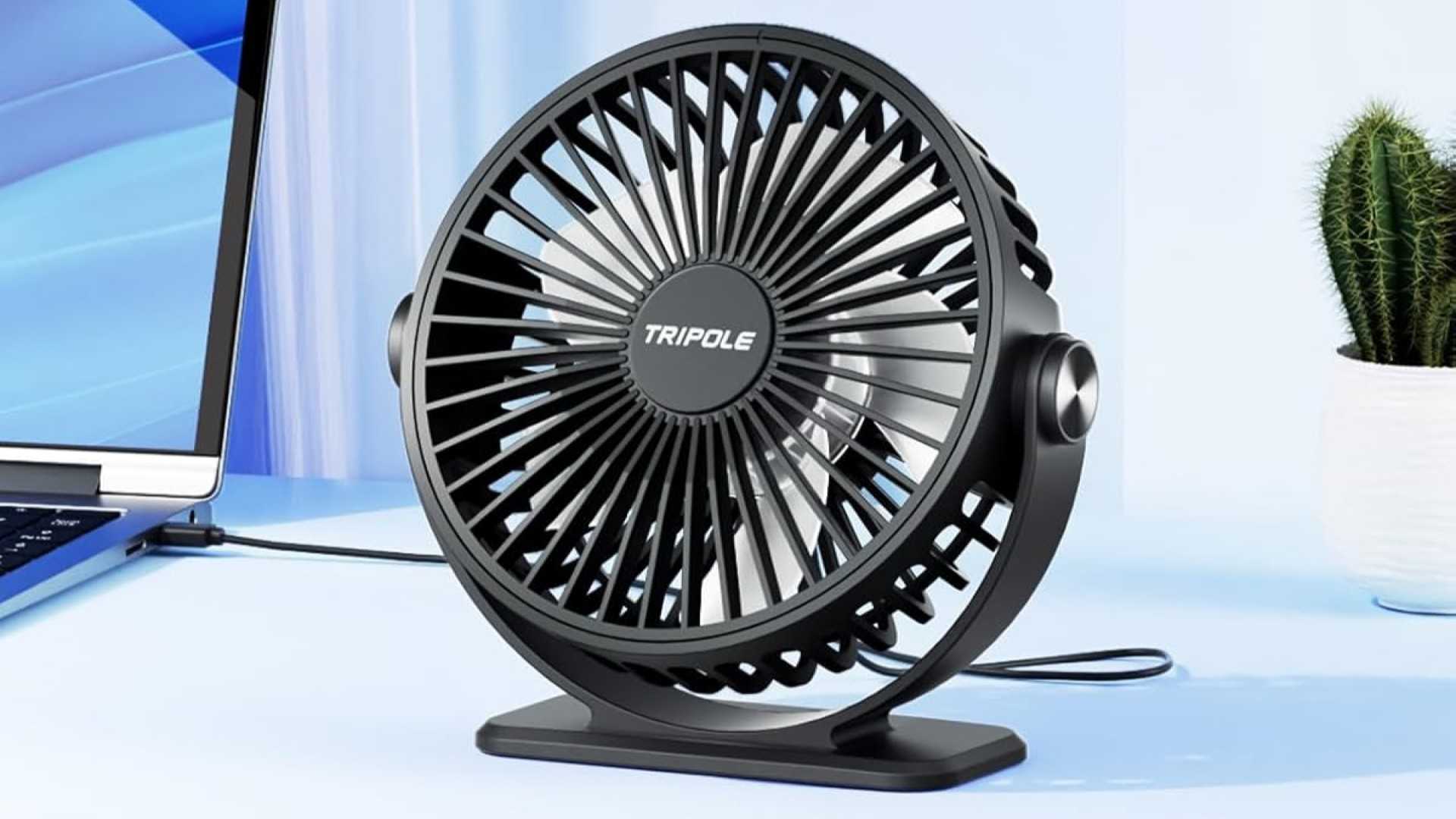
Plug in a USB Desk Fan
In hot climates or rooms without air conditioning, a USB desk fan can make a significant difference. While not as powerful as larger fans, they can help keep you comfortable during sweltering days. I personally prefer pointing a fan at my feet to direct cool air from an external AC unit into my workspace, which makes a huge difference in productivity.
Endless Peripherals, Endless Possibilities
Whether you’re looking to improve connectivity, boost security, or add convenience, there are countless USB peripherals that can enhance your PC experience. From hardware security keys to macro pads and USB desk fans, each device offers unique benefits. If you're interested in expanding your PC further, explore what PCIe cards and other gadgets your motherboard can support. The possibilities are truly endless.
Post a Comment for "5 Hidden Tech Gems for Your Unused USB Ports"