
Why I Archive Software Like Family Photos
The Importance of Preserving Digital Memories
I have a habit of keeping all my software and files, regardless of whether I use them regularly. I have a deprecated version of Noteworthy Composer (to run on a VM) and a portable version of Reaper that I've been using for years. The modern web and modern services have made it increasingly difficult to preserve software and digital purchases. So I preserve my software as much as possible, the same way someone might preserve their family photo albums.
Why We Save Our Photos
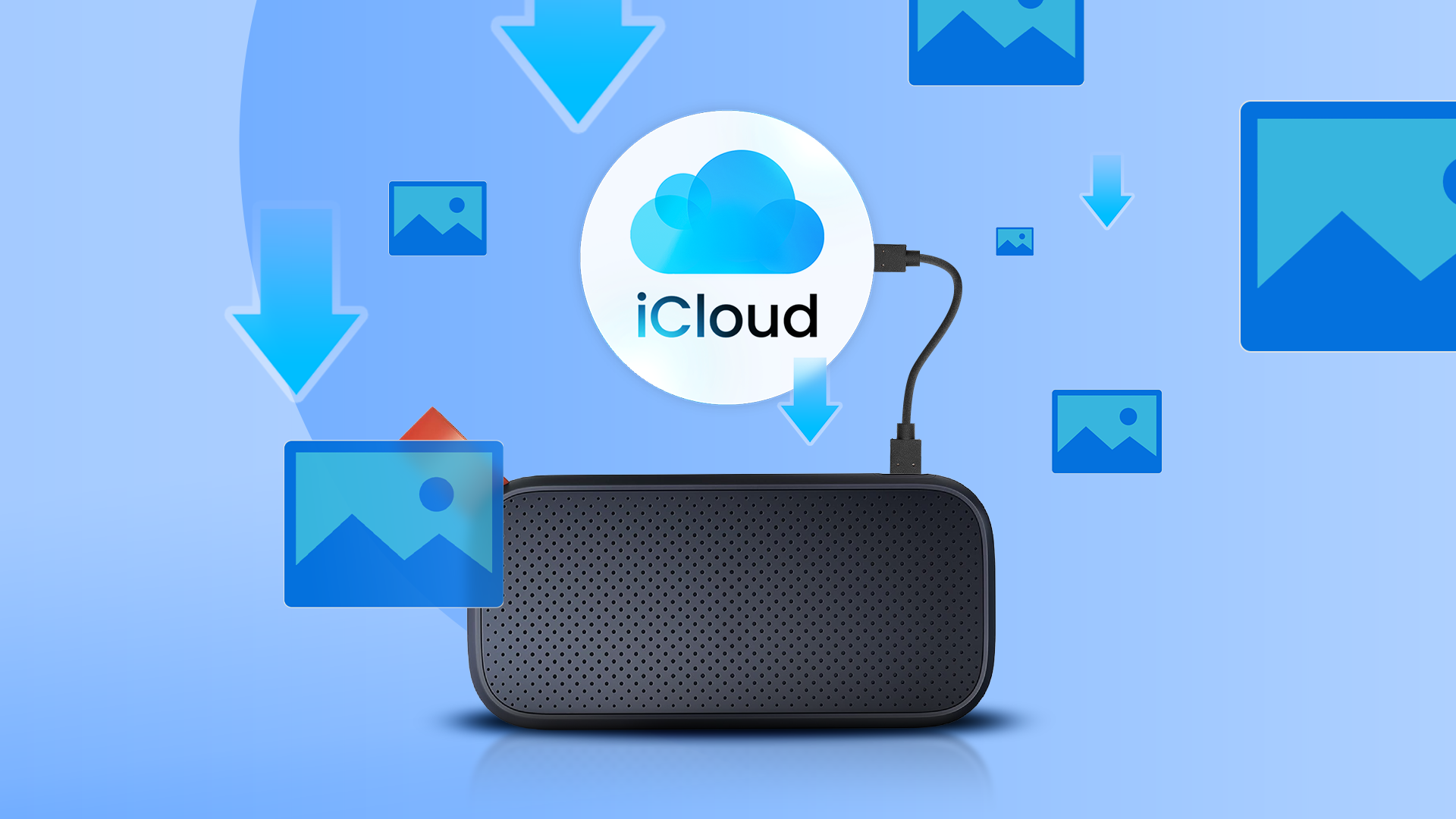
People save their photos for a number of reasons. It goes beyond preserving memories. Have you ever stopped to ask yourself why you save your family photos? We all have our reasons. Maybe you're old enough to have saved Polaroids and developed the film into a physical album. There's a good chance you might just take pictures on the phone and back them up to the cloud (or save/share them online). Regardless, there's a strong chance that you will save your family photos at some point, whether you're intentional about it or not. They preserve a moment in time, you own them, and you'd like to keep it that way.
Software as a Digital Memory
Software is kind of like that. If you save an older version of an application, you effectively preserve that version of the software for later use (or posterity).
The Problem with Modern Services
I archive software because companies consistently fail their users. Exploitation is becoming a bigger problem. I'm frustrated with the state of modern services. Subscriptions, forced updates, feature removal, and privacy issues are only some of the things that bug me about modern software. Not only that, but some software can just, poof, disappear one day. That happened with an app I once used every day. But because I saved the APK version of it, I was able to restore and use it again. This problem repeats itself over and over again across everything from games to your favorite software.
Cory Doctorow wrote a book about the problem, which talks a lot about what happens when our data becomes the product, keeping us glued to a platform is the goal, and companies gradually strip out features just to see how far they can go before churn sets in. It's a good read.
Most digital "purchases" are actually licenses that you buy access to. But they come with limitations. Sometimes they require you to be connected to the internet, disallow sharing, or limit the number of devices you can use it on.
Archiving Games and Purchases
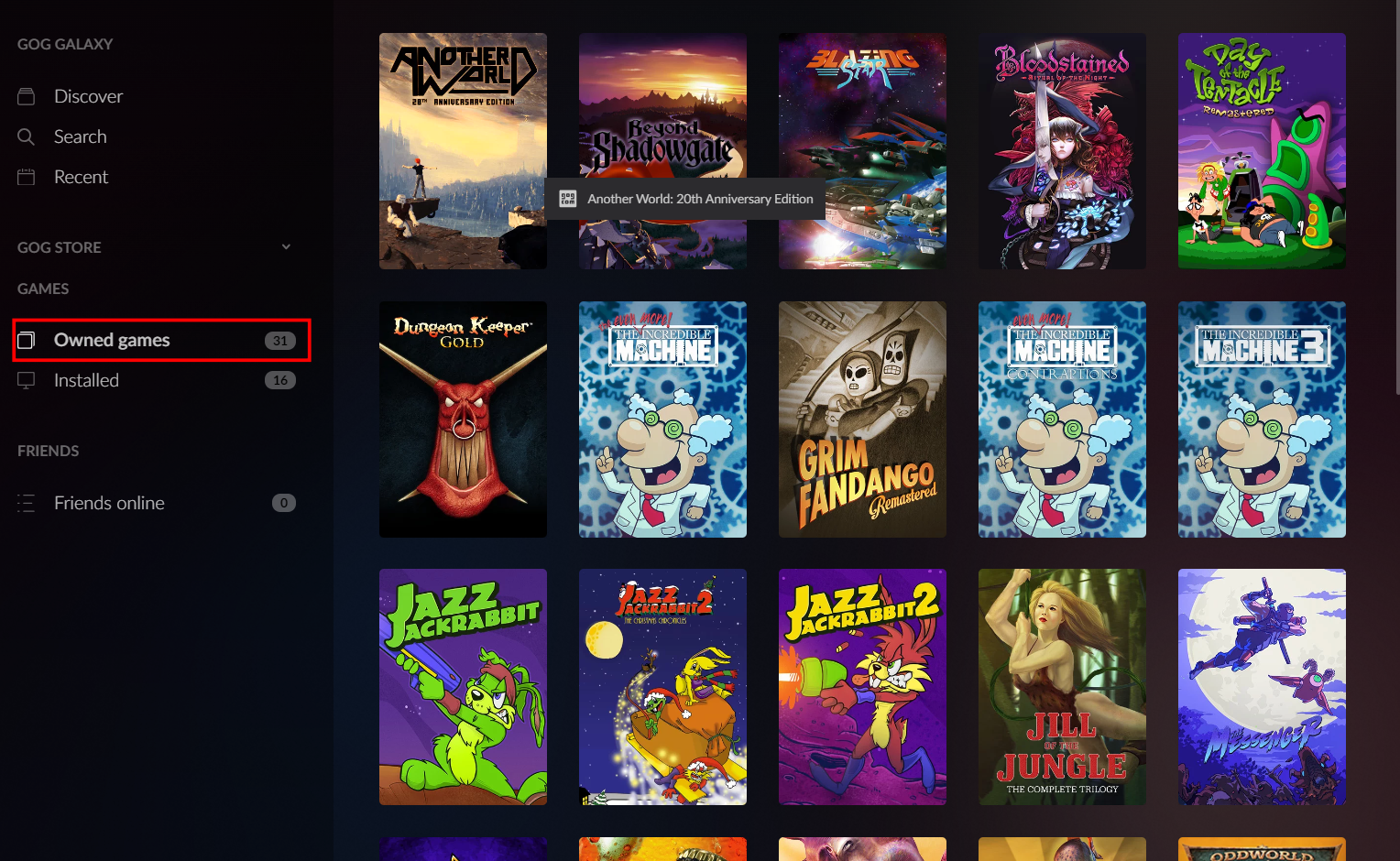
I save all my purchased games whenever possible. Buying from some services gives you more archiving options. I've always been pretty big into the retro gaming hobby. I use Steam sometimes, but I have a soft spot for a completely different gaming platform. As a fan of older PC games, I tend to use the Good Old Games (GOG) platform often. The installers are available, again without doing anything illegal or pirating anything. When you purchase a game on GOG, you receive a copy of the offline installer (which is usually an EXE file). It's DRM-free and allows you to archive it for your own personal use. I use GOG for this exact reason and will typically not purchase digital versions of games unless a company allows offline, DRM-free backups. Sadly, there aren't that many of them.
The Value of Preserving Phone Apps
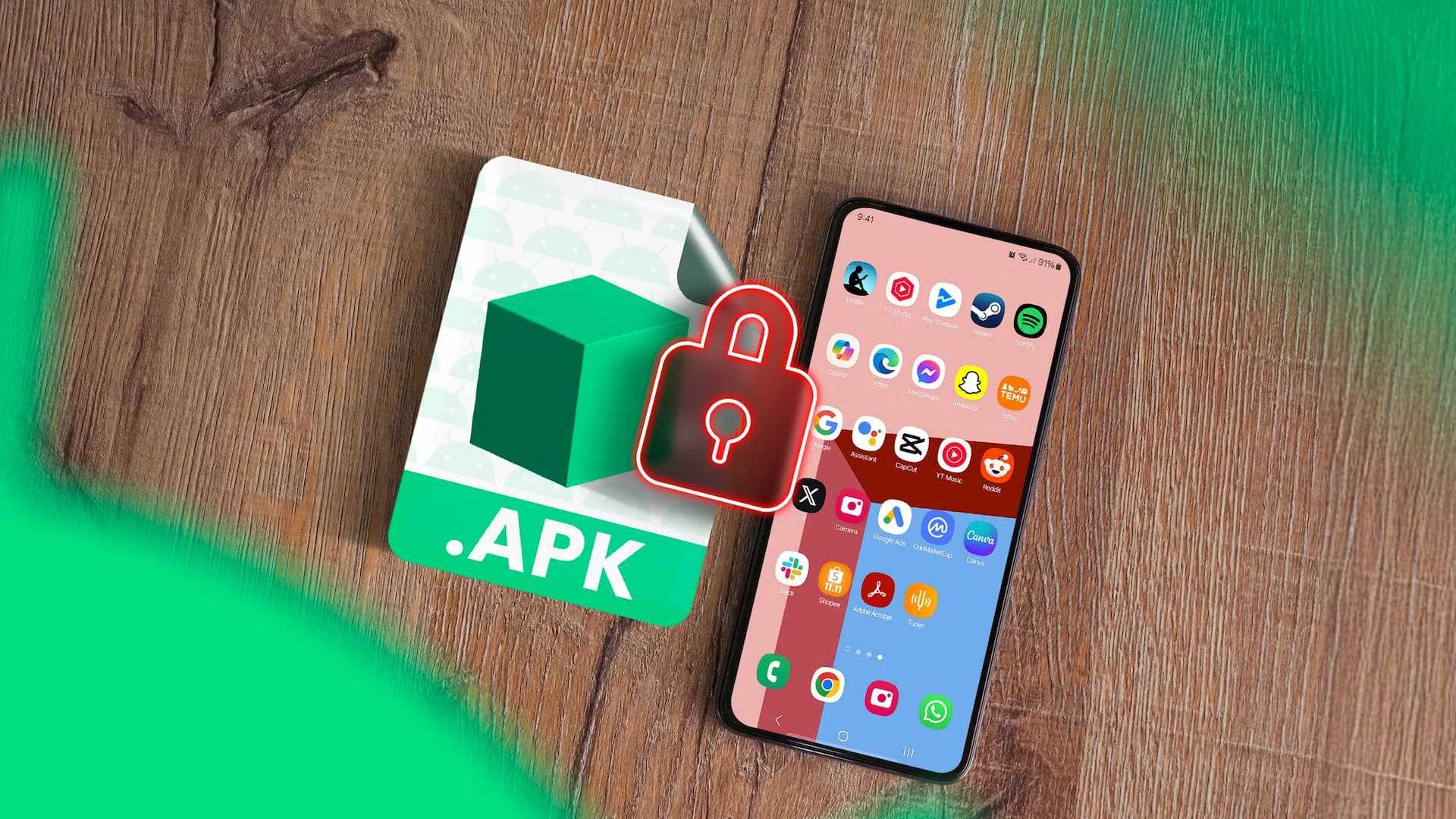
Preserving phone apps is important. Apps can simply disappear, never to return. You use your phone every day, but how often do you consider that one day, the app might disappear during an update or merely stop working? It's happened to me a few times. Preserving APK (Android Package Kit) files means you can access an older version that still has the features you liked or has a better user interface.
Here's a good example: I used to love Snapseed. It was clean, efficient, simple. But a recent update turned it into an AI-infused nightmare. It looks weird, feels weird, and I stopped using it. If I wanted to use the older version, I'd have to install it from the older APK. But beyond "rescue operations" like that, archived APKs are ideal for side-loading or accessing apps that might have been de-listed or removed entirely from their respective app stores. There's a reason the Internet Archive has a massive library of old APK files. Follow our APK downloading guide to learn how to archive APK files without resorting to piracy.
My Archiving Strategy
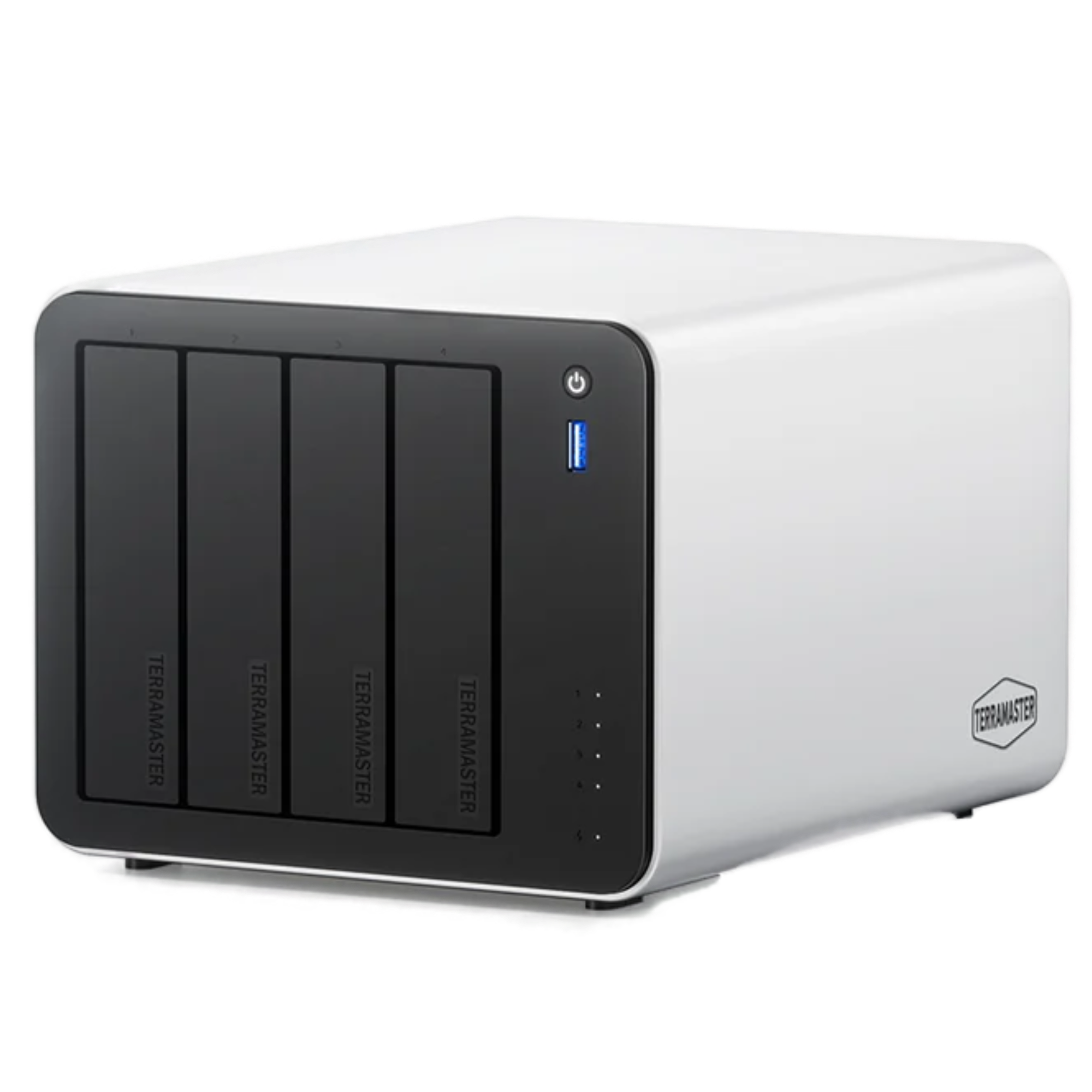
I have an archiving strategy that works for me. It's essentially a software vault for old programs. My strategy is pretty simple. I keep local, offline installers wherever possible and save a backup to an external hard drive. I'll archive EXE files, APKs, DEB files, and Flatpak files if possible (just in case). If I use something that requires internet access, I'll disable automatic background updates. If I buy an app for my phone, I'll back it up. I still have a few apps today that I bought years ago that work just fine. I use Docker often and instead of always using latest to keep my apps updated, I use tag pinning instead. That way, if something breaks in an update, my old version of the software remains intact. I'm not alone there. I'll save software to external hard drives, USB sticks, and even my NAS.
The Case for Long-Term Software Preservation
I stand by the idea that if you buy something once, you should keep it forever, and I won't let companies take that away. Keeping legacy software alive is easier than you think. I think it's growing more important every day to archive and save software. I welcome positive change and genuine improvements. What I usually get is half-baked AI "features," awful UI redesigns, paywalled features, and ads galore. No, thank you. There's a reason I like open-source software and self-hosting. I'll keep preserving software however I can. The Internet Archive is a great place for this sort of thing. But it's a long road ahead, and it does take some time and effort to truly accomplish such a goal. 
Post a Comment for "Why I Archive Software Like Family Photos"