
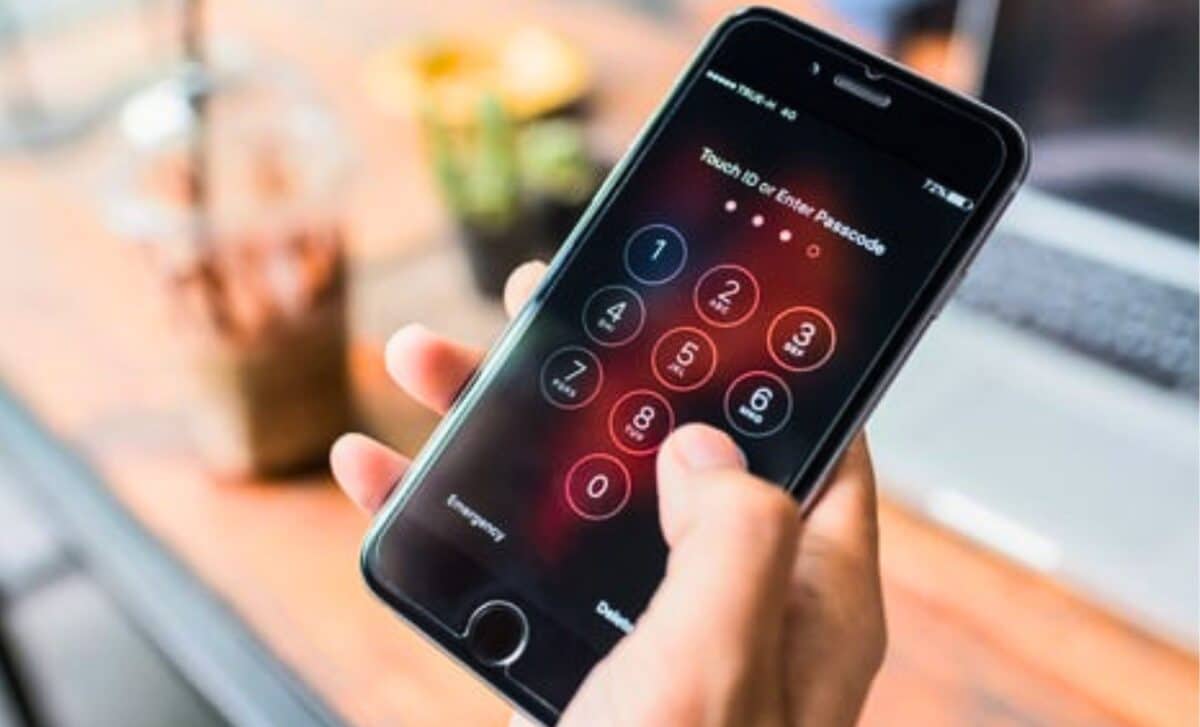
A short string of numbers and symbols typed into a smartphone’s dialer can reveal whether someone has hijacked a device to silently redirect calls and text messages. According to a security advisory published by the German technology publication COMPUTER BILD, a set of diagnostic codes can expose unauthorized call forwarding in seconds.
The core problem is deceptively simple. An attacker who gets brief physical access to an unlocked phone can configure the device to forward incoming communications to another number. The setup takes under a minute. Once it is in place, the victim will never hear a suspicious ring or see an alert.
The only thing that changes is where the call or message ultimately lands. Unlike advanced spyware, which hides deep inside the operating system, forwarding manipulation leaves its fingerprints inside the carrier network. Those fingerprints are what the codes pull into the open.
What Happens When the Test Activates
Dialing a USSD code is not like placing a voice call. Tapping the call button after typing the sequence sends a query to the mobile carrier’s infrastructure, not to another person. Within moments, the network responds with a screen full of line-status information. The most important code is . It asks a single question: are any calls, texts, or data sessions being unconditionally forwarded right now? If a phone number appears that the user does not recognize, the answer is yes.
Not every forwarded number means trouble. Many people have conditional forwarding set up for voicemail. That is normal. The code checks a narrower condition: forwarding that kicks in only when the user does not answer or is out of coverage. Legitimate voicemail numbers tend to live behind this setting, and the report explicitly cautions readers not to panic if a familiar carrier mailbox number appears in the results. The warning flag is an unfamiliar number behind either code.
How to Shut Down Unwanted Redirects Immediately
When a user does spot an unknown number, a companion set of codes can remove it:
・clears all unconditional forwarding rules that the check exposed.
・switches off the conditional forwarding that activates when the user is unreachable.
・acts as a blanket command that disables every call diversion on the line in one step, regardless of the trigger.
Three device-specific codes offer deeper technical readouts, though they do not perform a direct hack check. On an iPhone, opens a field test mode showing raw network metrics. For Android phones, pulls up a menu dense with usage statistics and connection details. Samsung handsets have their own variant: launches a service mode screen that surfaces the radio logs.
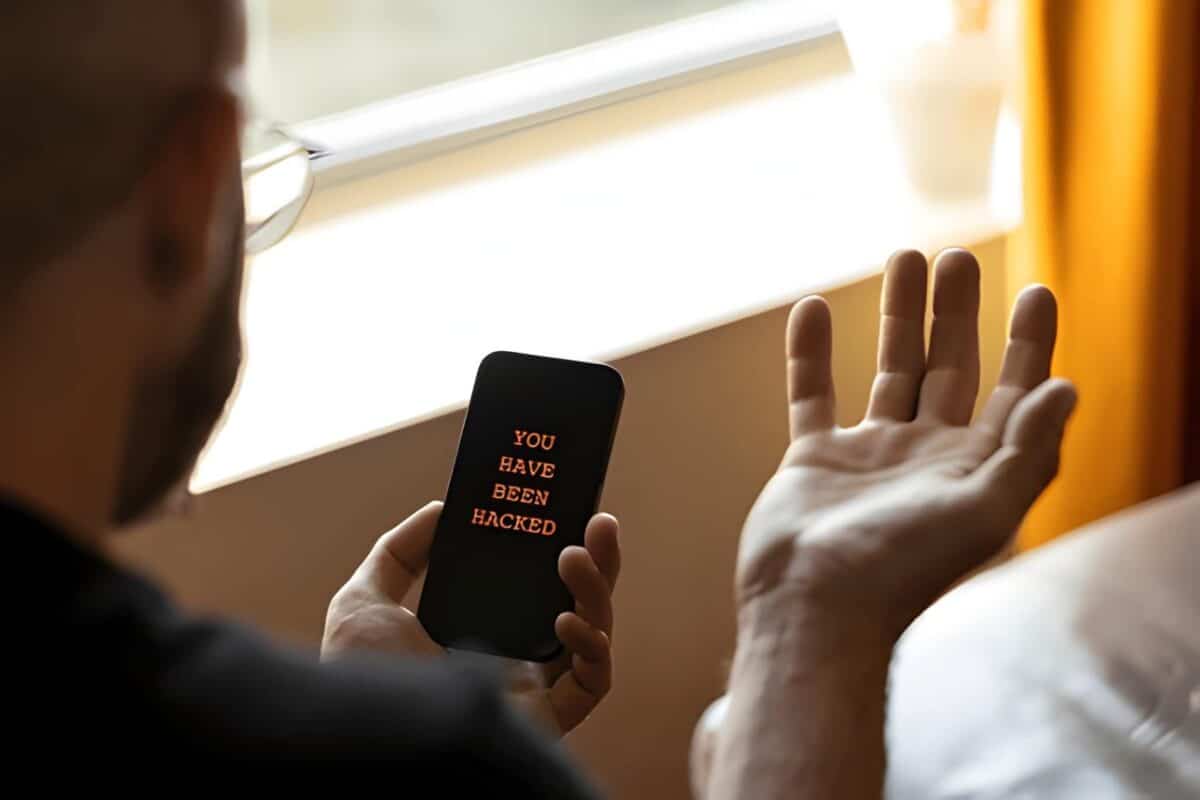
Anomalous data throughput or unexplained connection behavior in these screens may justify a closer look with a dedicated security tool. The report also mentions , which retrieves the phone’s 15-digit IMEI number, a hardware identifier that is useful for reporting a stolen device but reveals nothing about a compromise.
Between the Codes and the Malware Gap
The advisory draws a sharp boundary around what USSD codes can and cannot do. They expose manipulation at the network layer. They do not scan for surveillance software running directly on the handset.
Modern stalkerware applications, sometimes labeled as employee or child monitoring tools, log keystrokes, capture screens, and track location without ever touching call-forwarding settings. For that threat class, a security application from a recognized vendor is the recommended tool. That software scans for hidden processes, unauthorized permission grants, and package installations that indicate spyware.
The computing industry groups such programs under the category of potentially unwanted applications when they occupy the gray zone between legitimate monitoring software and surveillance abuse. A forwarding-code check will not find them, and no quick dialer string claims to.
Subtle Behavioral Clues That Something Is Wrong
The report catalogs several other signals that often accompany a compromised device:
・A battery that collapses faster than normal can hint at background processes running around the clock.
・Persistent heat from the handset while it sits idle reinforces that suspicion.
・A sudden leap in monthly data consumption suggests information is leaving the device.
・The clearest indicator is also the simplest: app icons the owner did not install.
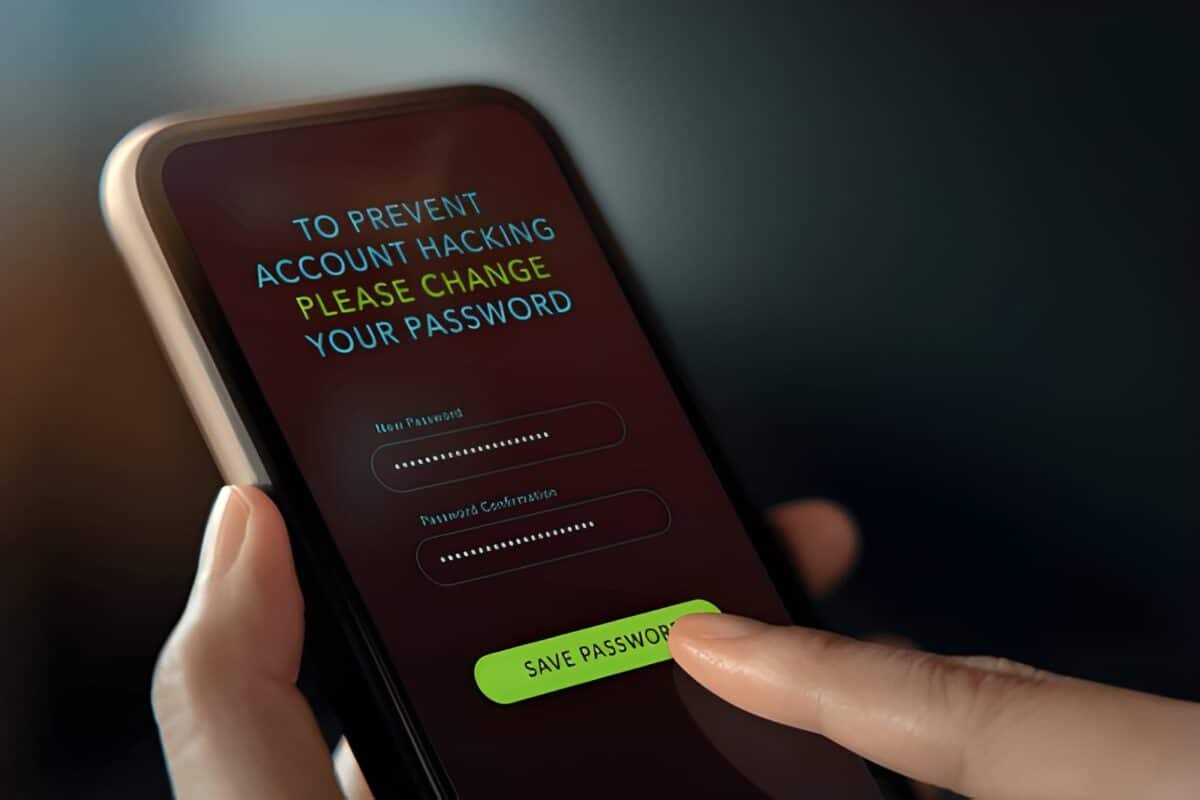
The guidance on next steps follows established security practice. Change critical account passwords first, since a compromised device may have leaked credentials for email, banking, and social platforms. Install a security scanning application next.
When doubt remains about whether the handset is clean, afactory reset returns the operating system to its original state and clears out any user-installed software along with the persistence hooks malware relies on to survive reboots. The entire check requires no special skill. It takes less than a minute and demands nothing beyond a dialer and the right sequence of symbols.
Enjoyed this article? Subscribe to our free newsletter for engaging stories, exclusive content, and the latest news.


No comments:
Post a Comment