
I made a small tweak to my phone's notifications and stopped being so distracted
 Navigating our relationship with technology is a personal journey, and for many, it involves a constant effort to strike a balance. The default mode for most digital devices is a "push" system, where notifications constantly vie for our attention, interrupting our day and pulling us away from the present moment. This can lead to a feeling of being overwhelmed and a struggle to be truly engaged with what matters most in our lives.
However, a shift towards a "pull" relationship with technology can foster a sense of peace and allow us to interact with our devices on our own terms. This means actively seeking out information and responding to alerts when we are ready, rather than being constantly interrupted by them.
The Push vs. Pull Notification Divide: Finding Peace of Mind
The fundamental difference between push and pull notifications lies in their impact on our mental state. Push notifications, by their very nature, are designed to be immediate. Within milliseconds of an event occurring – whether it's a Slack message, an email, or a social media update – an alert is delivered to your device. While this immediacy can be useful in certain contexts, for many, it leads to a constant state of alert and anxiety.
Consider the example of a workplace communication platform like Slack. The intention behind using such a tool is often to collaborate and get work done efficiently. However, receiving every single notification as it arrives can be incredibly disruptive. It fragments our focus, constantly pulling our minds back to work-related tasks even when we're engaged in personal activities. This persistent interruption can make it difficult to be present with family, friends, or even during important personal moments.
The goal is to reclaim control over our digital interactions. Instead of being dictated by the constant stream of incoming alerts, we can choose when and how we engage with information. This "pull" approach allows us to set aside dedicated times for checking emails, responding to messages, or catching up on news, ensuring that these activities don't detract from our ability to be fully present in our lives.
Reclaiming Your Focus: Implementing a Pull Notification Strategy
The most effective way to cultivate a pull relationship with technology is to significantly reduce or eliminate unnecessary push notifications. This might sound drastic, but the benefits in terms of reduced stress and increased presence can be profound.
Key Steps to a Pull Notification System:
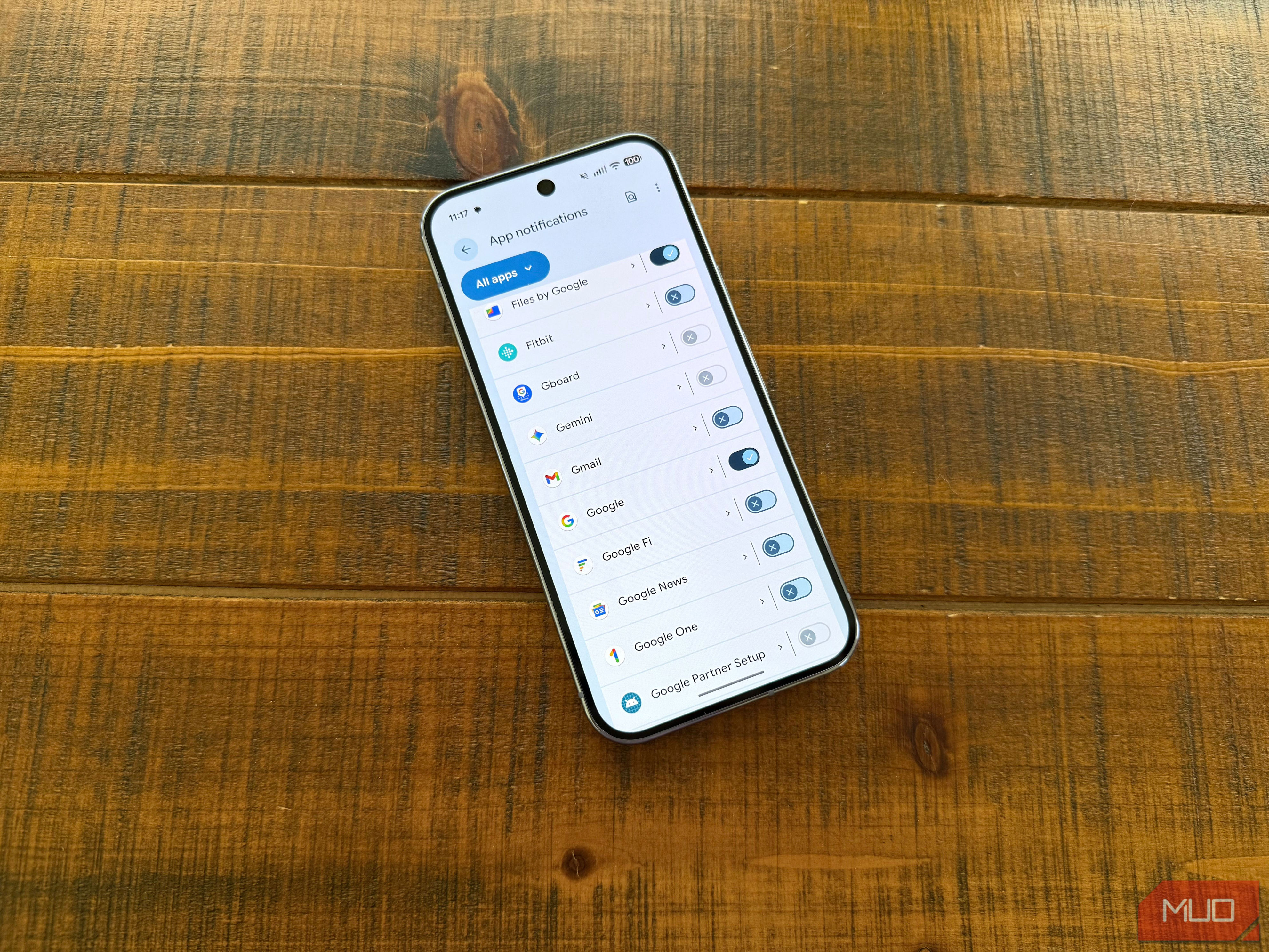
- Audit Your Notifications: Take a deliberate look at every app on your device and assess its notification settings. Ask yourself: "Do I really need to be alerted to this in real-time?"
- Disable Non-Essential Alerts: For most applications – social media, news apps, productivity tools (unless absolutely critical for immediate action), and entertainment platforms – it's highly recommended to turn off all push notifications.
- Prioritize Critical Communications: Identify the apps and communication channels that are genuinely time-sensitive and essential for immediate attention. For many, this includes:
- Phone Calls and Text Messages: These are typically reserved for direct communication with family and close friends, often linked to your personal phone number.
- Smart Home Security Alerts: Notifications related to motion detection on exterior security cameras or other critical home safety alerts are also justifiable push notifications.
- Embrace Intentional Engagement: When you disable push notifications, you are not abandoning your responsibilities; you are simply choosing to manage them more intentionally. This means:
- Scheduled Check-ins: Set aside specific times during your day to check your email, Slack, or other work-related platforms.
- Focused Work Blocks: When you are at your desk, ready to work, you can then actively engage with your communication tools.
- Flexibility to Re-enable: It's important to remember that these settings are not permanent. If your work situation changes or you find that certain notifications are indeed necessary, you can always adjust your settings accordingly. Both iOS and Android offer granular control, allowing you to fine-tune notifications on a per-app basis.
An Alternative: Android's Notification Cooldown Feature
While the most impactful solution is to curate your notifications, for those using Android devices, there's an additional feature that can offer some relief: Notification Cooldown.
- How it Works: Accessible via Settings -> Notifications -> Cooldown, this feature helps mitigate the impact of receiving a high volume of notifications from a single source in a short period. When triggered, your device will automatically lower its volume and minimize alerts for up to one minute.
- Limitations: While Notification Cooldown can provide a temporary respite from notification barrages, it doesn't fundamentally address the issue of too many apps constantly demanding your attention. It's a helpful supplementary tool but not a replacement for a deliberate pull notification strategy.
By consciously shifting from a "push" to a "pull" relationship with technology, you can significantly reduce stress, enhance your focus, and reclaim precious time. This intentional approach allows you to engage with the digital world on your own terms, ensuring that technology serves as a tool to enhance your life, rather than an endless source of distraction. The result is a more present, peaceful, and ultimately, more fulfilling experience.
Post a Comment for "I made a small tweak to my phone's notifications and stopped being so distracted"