
The Struggle with Rural Internet
In my area, the only option for internet has been mobile 4G. For years, I've had to deal with speeds that looked good on paper—around 5–12 Mbps—but in reality, it was a nightmare. Constant drop-outs, buffering streams, and near-zero speeds during tourist season made it frustrating. I decided to take the plunge and try Starlink satellite internet.
First Impressions of Starlink
The first thing I noticed was that the speed test results were impressive, reaching up to 22.26 Mbps. However, this didn't translate into a reliable connection. I quickly learned that latency, jitter, and packet loss are just as important as download speed when it comes to a stable internet experience.
My initial installation didn't go smoothly. The Speedtest.net results were great, but the actual performance was still problematic. Websites would time out, and streaming kept buffering. It felt like I was back to my old 4G issues, but with a more expensive solution.
Understanding How Starlink Works
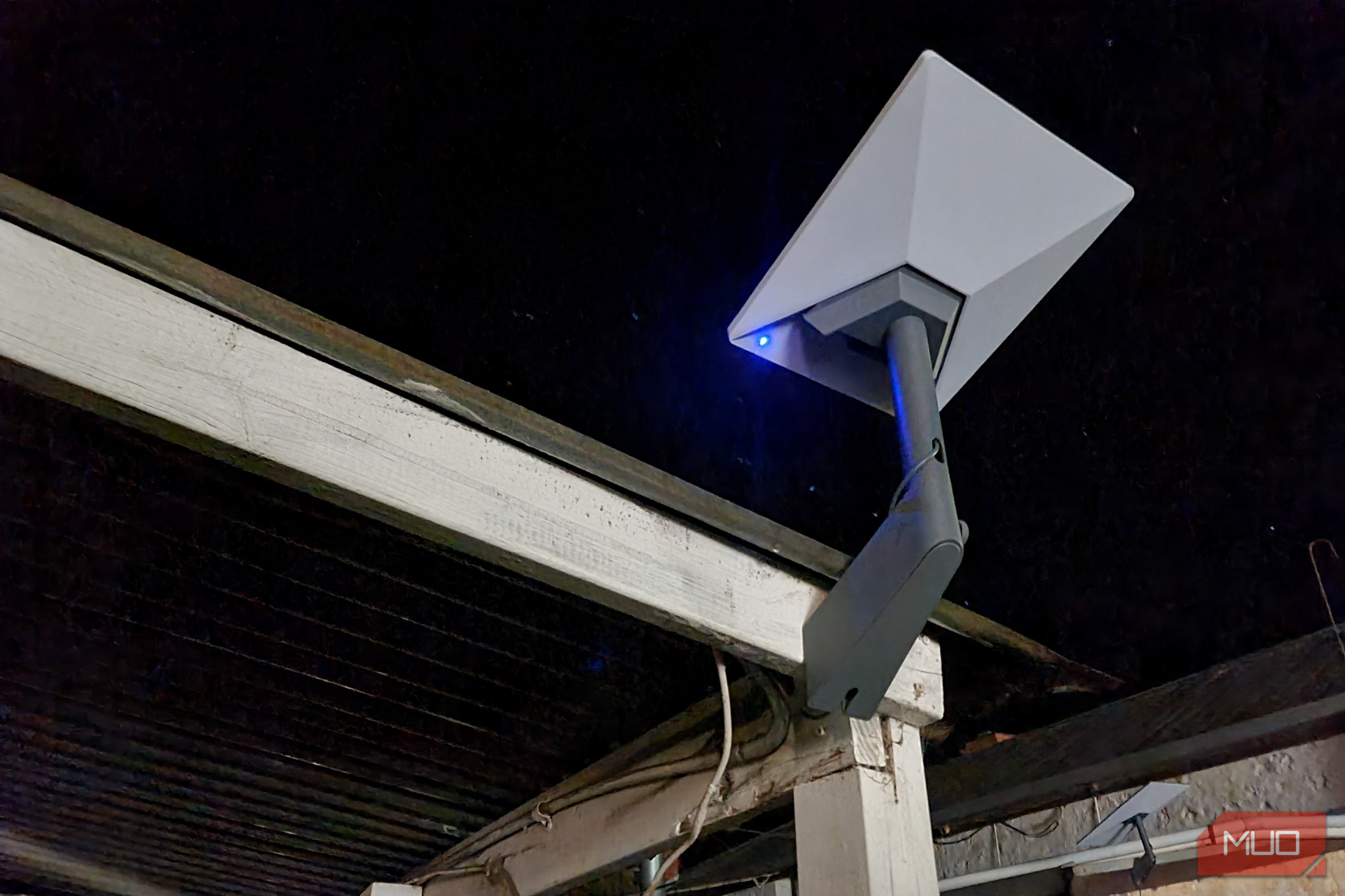
Unlike traditional high-orbit satellite internet like HughesNet, Starlink uses satellites in low Earth orbit. These satellites move across the sky, and the Starlink Mini antenna adjusts its beam to maintain a connection. This means you need a clear and unobstructed view of the sky. Unfortunately, my local contractor installed the antenna under a roof awning, which blocked the necessary view.
This setup led to poor performance. The awning covered only about 5% of the surface, but it was enough to ruin the connection. The Starlink app showed an obstruction map, revealing the issue. Instead of waiting for the installer, I moved the antenna myself to a spot with a clear view of the sky, and the problem was fixed almost immediately.
Going Beyond Basic Speed Tests
I realized that relying solely on speed tests wasn’t enough. I needed a more comprehensive way to evaluate both my 4G and Starlink connections. I built a PowerShell script to test various aspects of the connections, including latency, jitter, and packet loss.
The script pings a target server, measures response times, and logs any packet loss. It also performs DNS lookups and downloads to assess overall performance. Using this method, I found that while 4G had decent download speeds, it was highly inconsistent. Starlink, on the other hand, provided much more stable and predictable performance.
Latency and Jitter: The Hidden Factors
The most significant difference between the two connections was in latency and jitter. While both had similar minimum latencies, the 4G connection fluctuated wildly, sometimes reaching over 1,800ms. Starlink maintained a consistent latency between 27ms and 56ms, with much lower jitter. Additionally, 4G had a 12.5% packet loss, while Starlink had none.
These factors explain why my 4G connection felt so unreliable. Even though it could reach 12 Mbps, the unpredictable nature of the connection made it difficult to use effectively.
The Benefits of Starlink
Despite its drawbacks, Starlink has been a game-changer for me. It's not perfect—cost, power consumption, and hardware requirements are all considerations. However, it provides a level of consistency and predictability that my 4G connection never could.
One of the biggest advantages is that Starlink allows me to identify and fix issues quickly. The app shows obstructions, and moving the antenna just a few feet solved my problem. With 4G, even the best external antennas can't guarantee a stable connection.
Conclusion
While Starlink may not be the perfect solution for every rural area, it has given me a reliable internet connection that I can actually trust. The ability to see exactly what’s wrong and fix it makes a huge difference. For now, I’m enjoying stable internet without worrying about weather, rain, or tower congestion.


No comments:
Post a Comment